Editorial fashion imagery from a sentence.
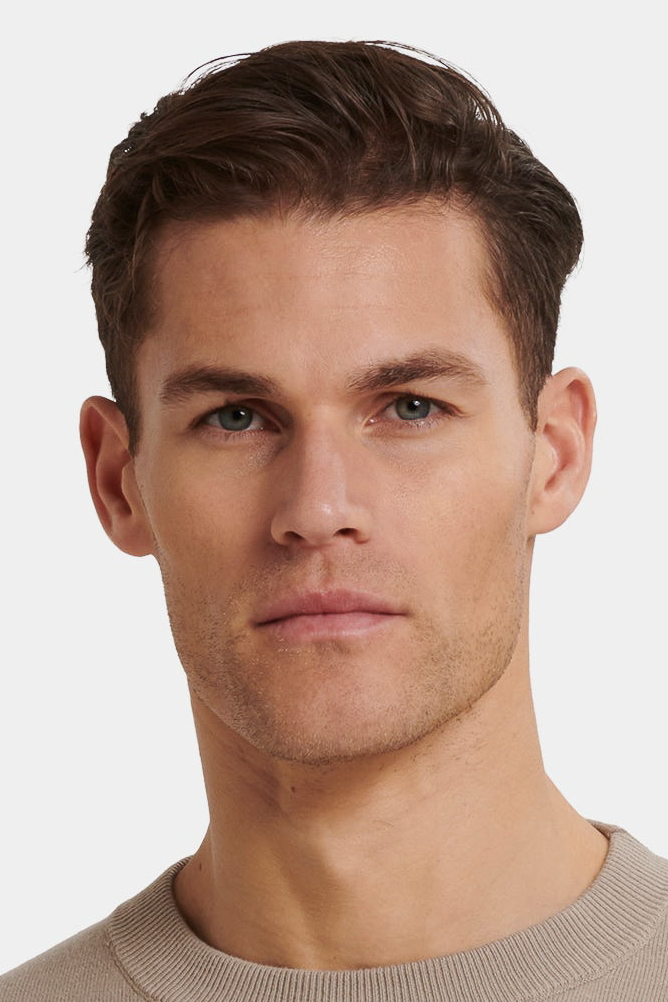
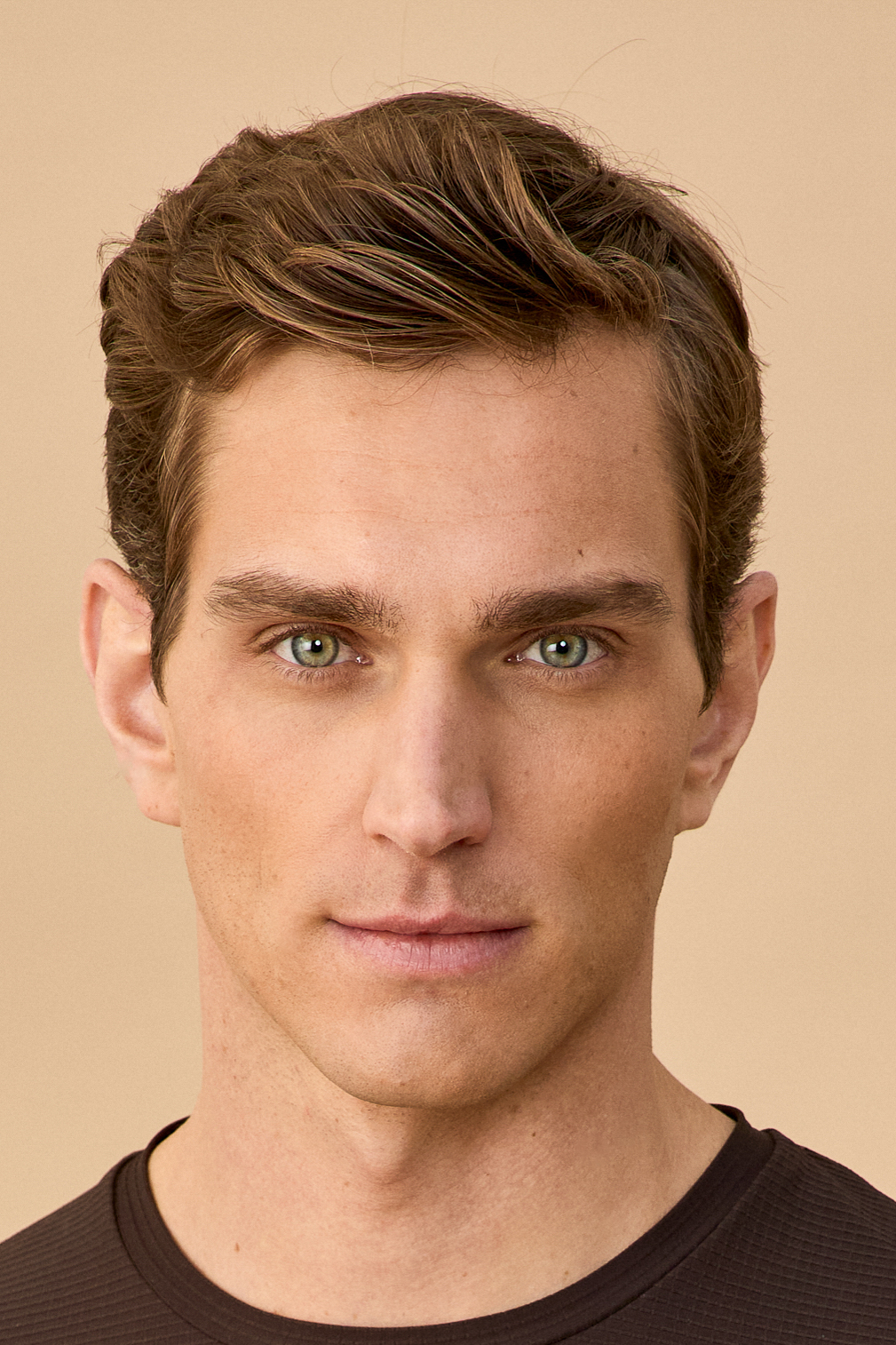
Direct one of our digital model twins like a stylist. Type the look, drop in the products you want them wearing, and pick how many variants you need. You see the moodboard render in real time.
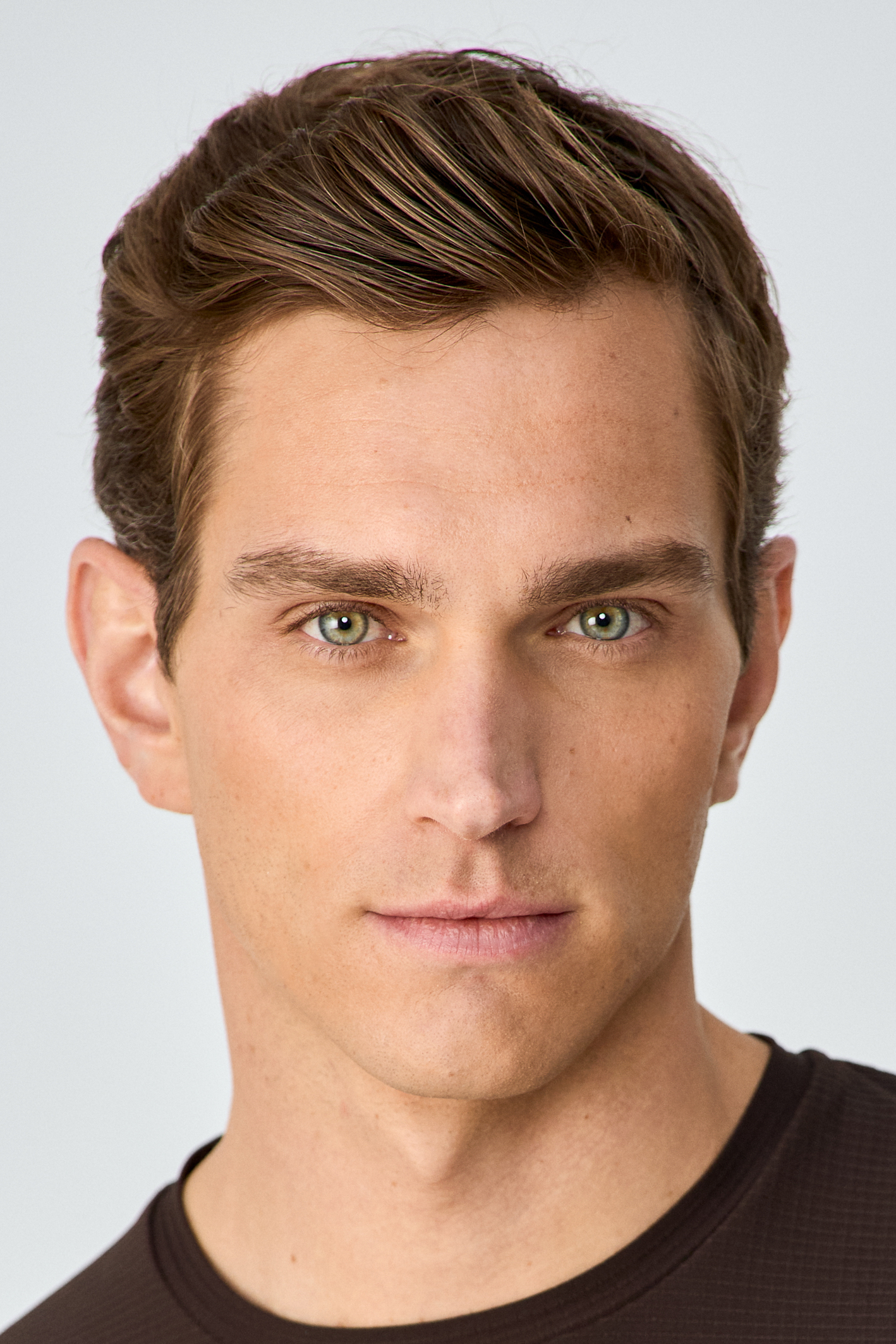
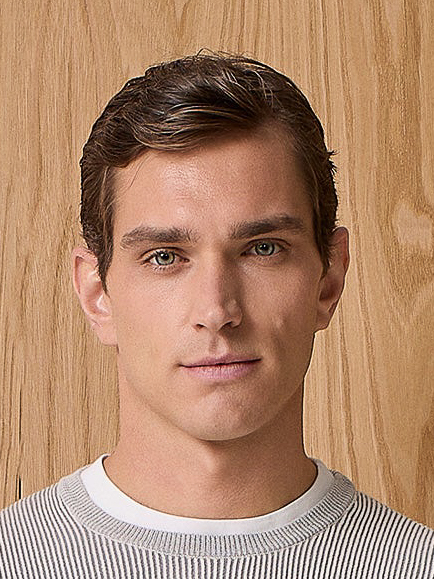
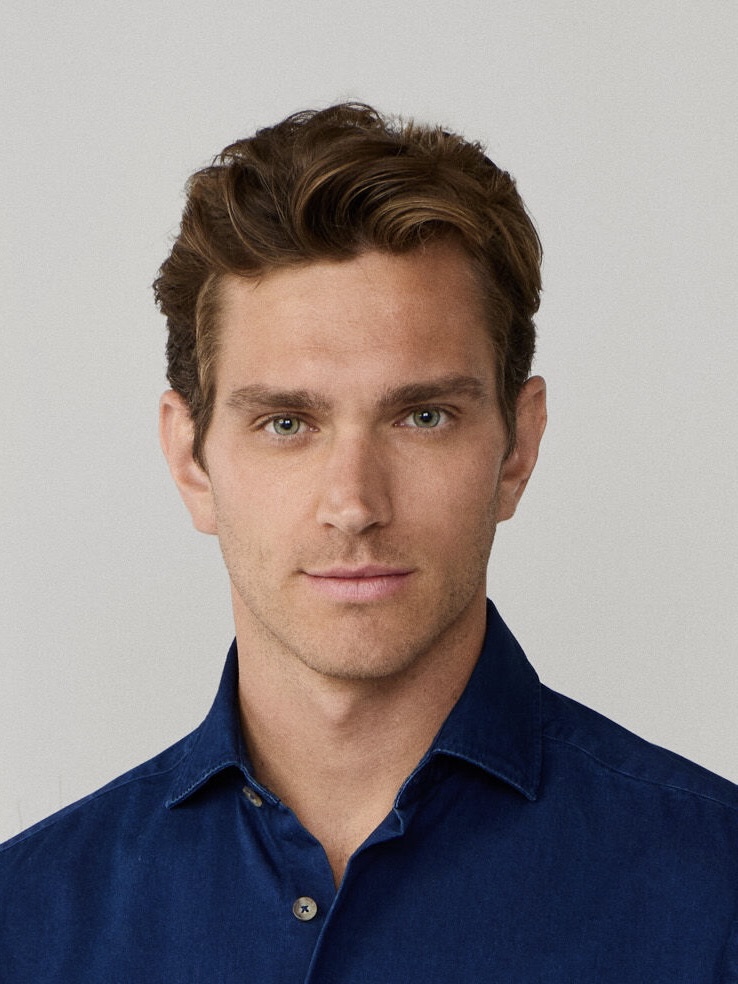
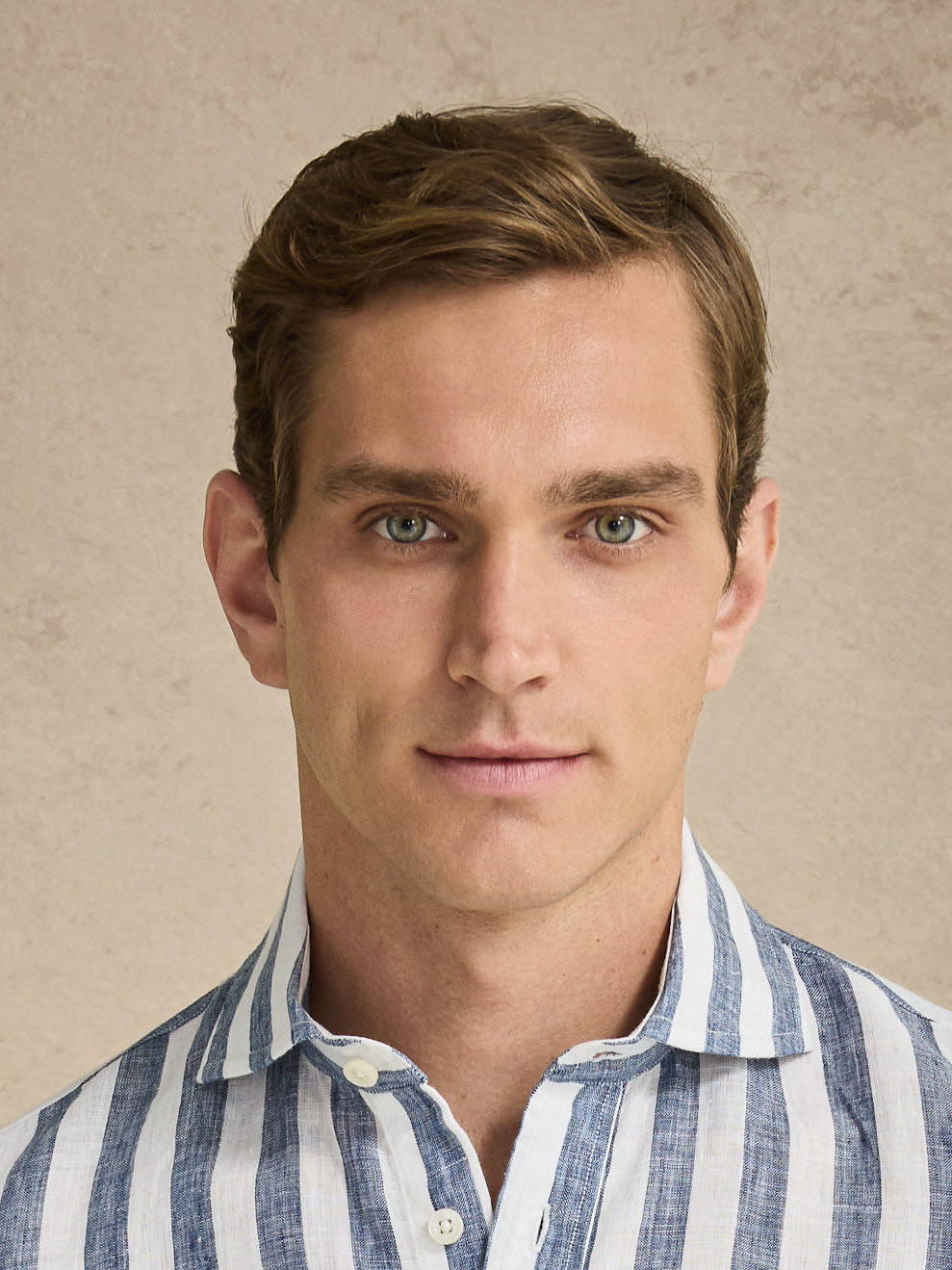
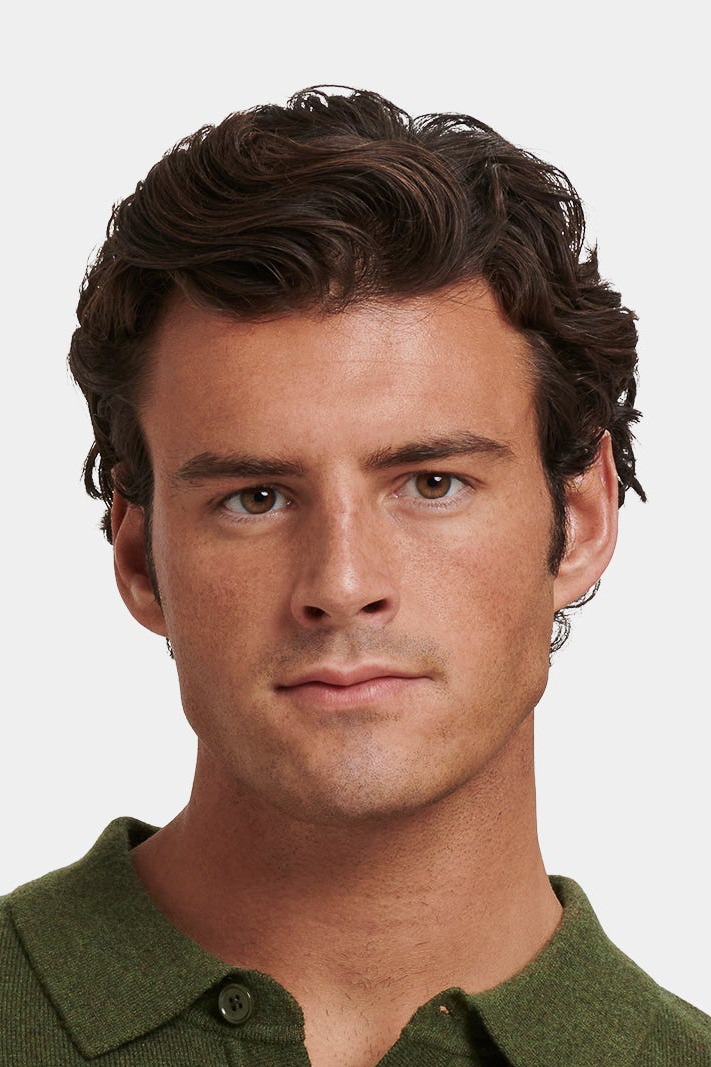
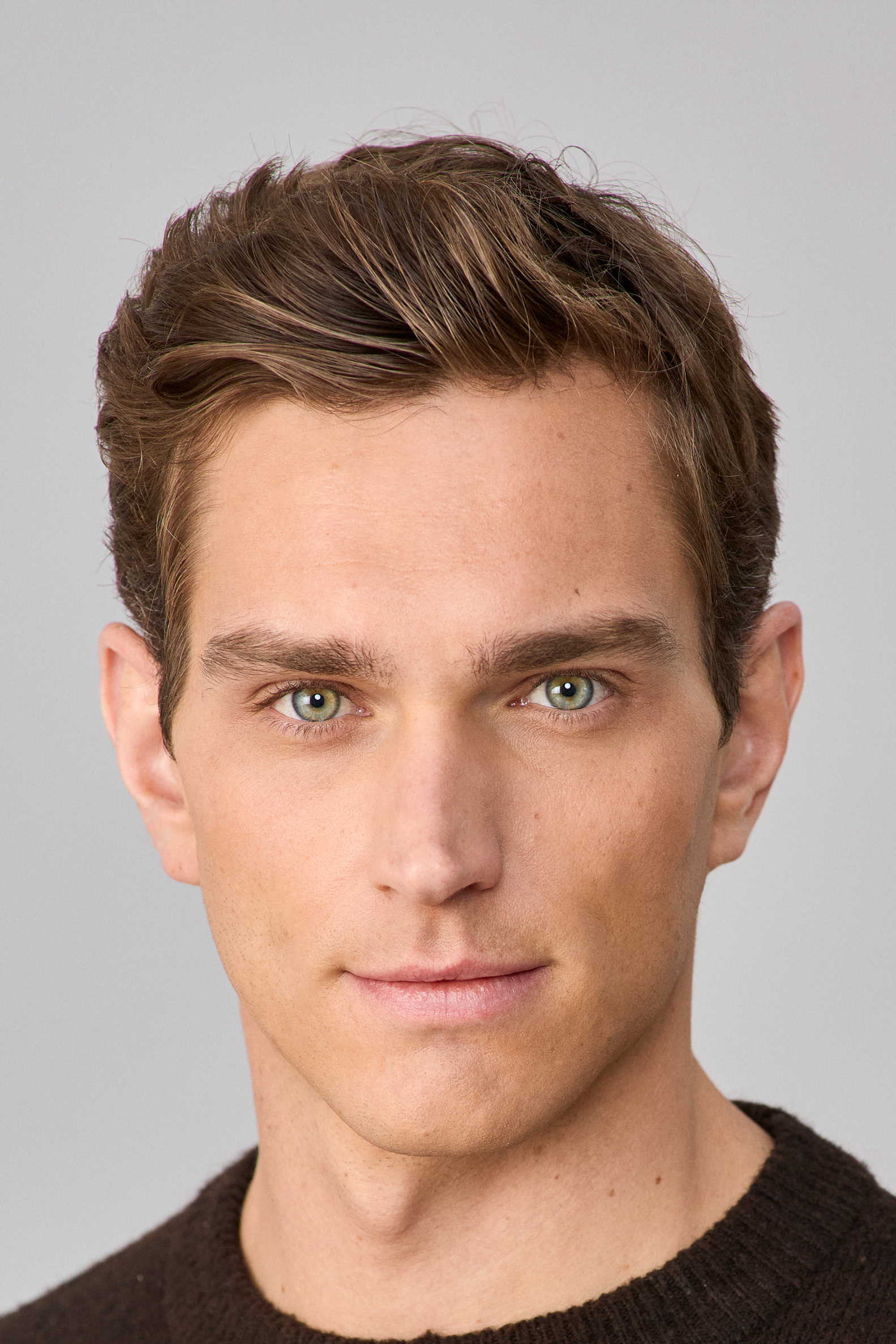
Click Generate to open Creative Studio with your prompt.
Three things to do before you click Generate.
Type the look
Describe the image you want — wardrobe, setting, lighting, mood. Or skip the prompt and drop an inspiration image: we translate the look while keeping your model unmistakably themselves.
Drop product slots
Top, bottom, shoes, outerwear, accessory — five labeled slots. Each image you add becomes a precise styling instruction. Add an optional styling note for fit (oversized, tucked, sleeves rolled).
Pick a batch and Generate
Generate 1–4 watermarked variants from the same prompt. Full-resolution un-watermarked downloads unlock after model approval and project payment.
Identity is locked. Everything else is yours to direct.
The model stays the model.
Every image keeps your model unmistakably themselves — same face, same identity, across seasons and campaigns. No near-misses, no drift.
Products come out exact, not approximate.
Upload your product and the render matches its real color, fabric, and cut — not a text-guessed lookalike. What you shoot is what shows up on the model.
Inspiration becomes a look.
Drop a magazine page, a Pinterest save, anything — we translate the pose, setting, lighting, and mood into your image. Your model wears the look in their world.
Per-image pricing, no minimums.
Creative has no SKU minimum. After the model approves and the project invoice is paid, each licensed download costs 5 tokens; previews remain watermarked before then.
Open the studio. Bring a sentence.
You can browse without an account. Sign in is only required when you click Generate.